/filters:quality(90)/fit-in/970x750/coros-web-faq/upload/images/b3586824f37d27ffca9b910f6b275b54.png)
1. Virtual Pacer
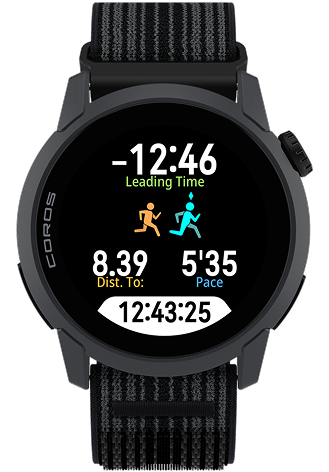
Personal bests are most often beaten by seconds, not miles. Virtual Pacer puts real-time pacing on your wrist, showing you exactly how far ahead or behind your goal time you are. Before you press Start in Run or Track Run mode, scroll to Target Run and set your distance and goal time. If you're chasing a 4:30 marathon, your watch defaults to your current predicted pace for that distance. Change the time, and it recalculates the pace on the spot. Every 5 kilometers, you'll hear how much time you've banked or burned.
It works for open-ended efforts too. Skip the distance, set a pace, and run against a virtual runner for as long as you want.
2. Extender
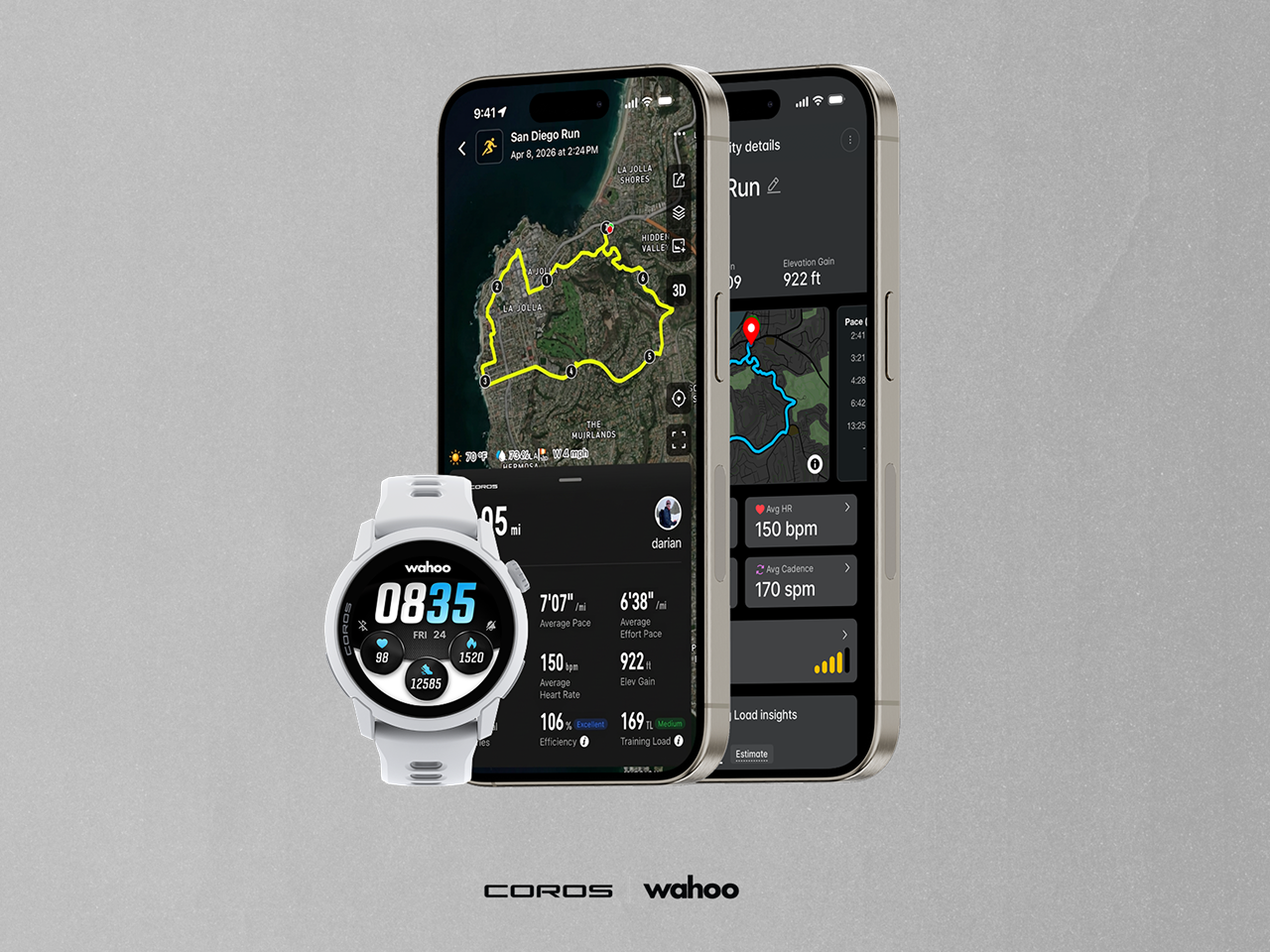
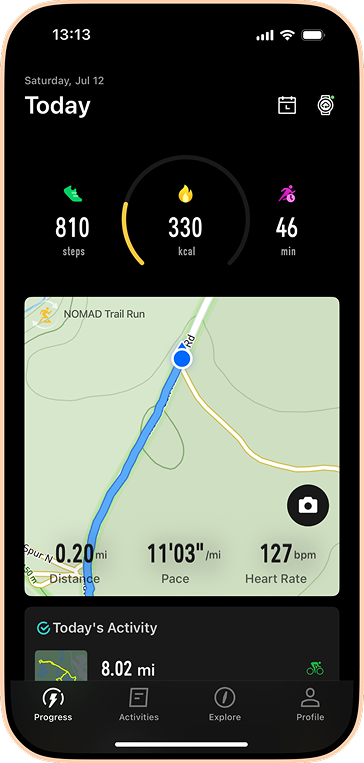
Watch screens are small. Your phone isn't. Extender mirrors your live activity data: pace, heart rate, elevation, route, directly onto your phone screen while your watch keeps tracking. Think of it like a second display that follows you into every workout. Indoors, you get up to 10 data fields laid out the way you want them. On the trail, you get a full live map with your route ahead and your track behind. It also pulls double duty as the gateway for Adventure Journal, tap the camera icon mid-run to pin a photo or voice note to your exact GPS location.
One quick tap from the Progress page opens Extender for you to do even more with your training.
3. Gear Tracking
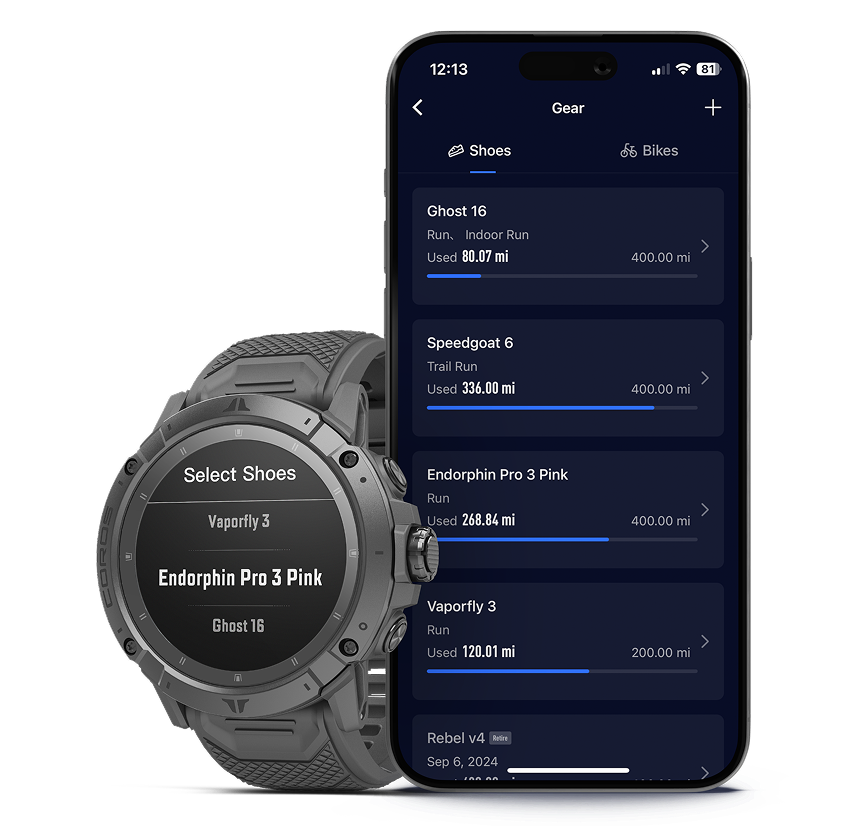
After 400-500 miles, the cushioning in most running shoes degrades enough to change your stride. Gear Tracking lets you log every pair of shoes and every bike you train on, and tracks the distance automatically as you record activities. Set a max distance on a pair of shoes and your watch will notify you when you've hit it. Plus, you can select what gear you used for an activity directly on your device after the activity is over – it syncs autmatically to the app where you can view more details from your Profile page.
Add your current shoes in the app, enter an estimate of where their mileage is today, and set your alert.
4. Flashlight
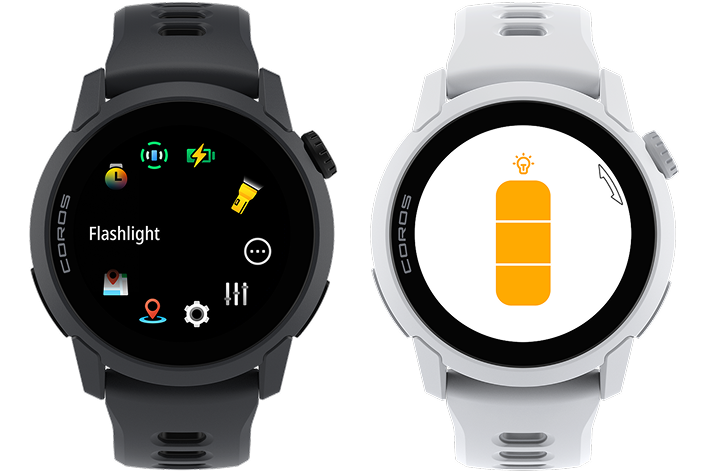
It's 4:45 AM. Your alarm goes off, your partner is still asleep, and you need to find your shoes without turning the lights on. Hold the back button, scroll to Flashlight in the Toolbox, and your screen lights up, bright enough to navigate a dark room, a tent, or find headphones in your car no matter the time of day. Use the link below to learn how to set-up a shortcut so that a double-press of the back buttons opens your flashlight immediately.
5. Strava Live Segments
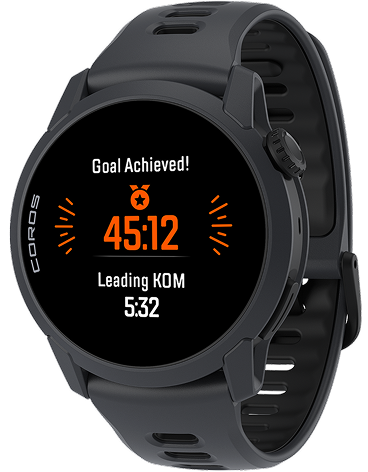
Race against any Strava segment you've starred in real time. Before you start a run, trail run, or outdoor ride, scroll to Strava Segments and toggle alerts on. When you approach a starred segment, your watch counts down the distance to the start, then shows you your pace, time ahead or behind, and distance remaining throughout the effort. You choose your competitor: your PR, the KOM/QOM, your Carrot (the next person ahead of you on the leaderboard that you follow), or your Wolf (the next person behind you on the leaderboard that you follow). When you cross the finish, your watch tells you your time and whether you hit a new PR.
Requires a Strava Premium subscription and a linked Strava account.
6. Safety Alerts
Solo runs and remote rides carry risk. Safety Alerts give the people who care about you a direct line to your location the moment you need it. Set up your emergency contacts once in the COROS app. Once Safety Alerts are enabled, those contacts get an automatic email every time you start an outdoor activity, with a live tracking link so they can follow along. If you run into trouble, hold the assigned button on your device for seven seconds. That sends a text message* and email to your contacts with your current location and a real-time tracking link with a request for assistance. No cell connection means no alert, so keep Bluetooth connected to your phone.
Set up your contacts before your next solo long run.
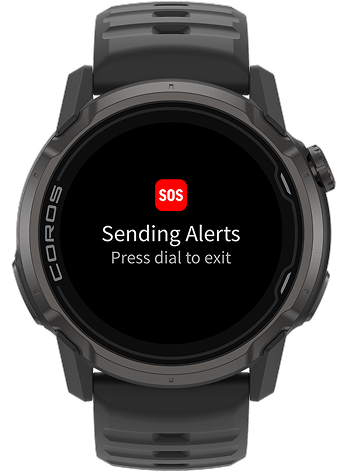
*SMS support available in select countries
7. Group Tracking
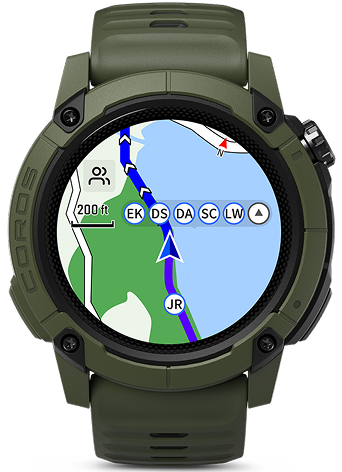
You set for a long day in the mountains, but after a quick bathroom stop you can't find the rest of your group – that's where group tracking steps in. Create a team in the COROS app, invite your training partners, and load a shared route. Once everyone starts their activity, you can see each person's live location and real-time data — pace, distance — directly in the app, on your watch, or DURA. If someone needs help, they can send an emergency alert to the whole group.
8. Resume Later
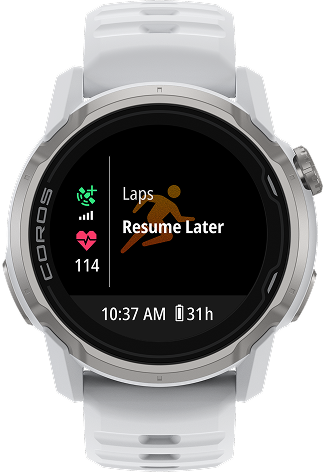
Halfway through the group ride you decide to take an hour or two break for lunch, but want to keep your workout saved as a single activity – not two. Resume Later lets you pause an activity for hours, then pick it back up and save everything as a single file. Press the dial during your activity to pause, select Resume Later, then grab your food. When you're ready, open the activity mode again and your watch prompts you to resume right where you left off. Your total distance, elevation, and time reflect the whole day.
9. Sleep Quality Score
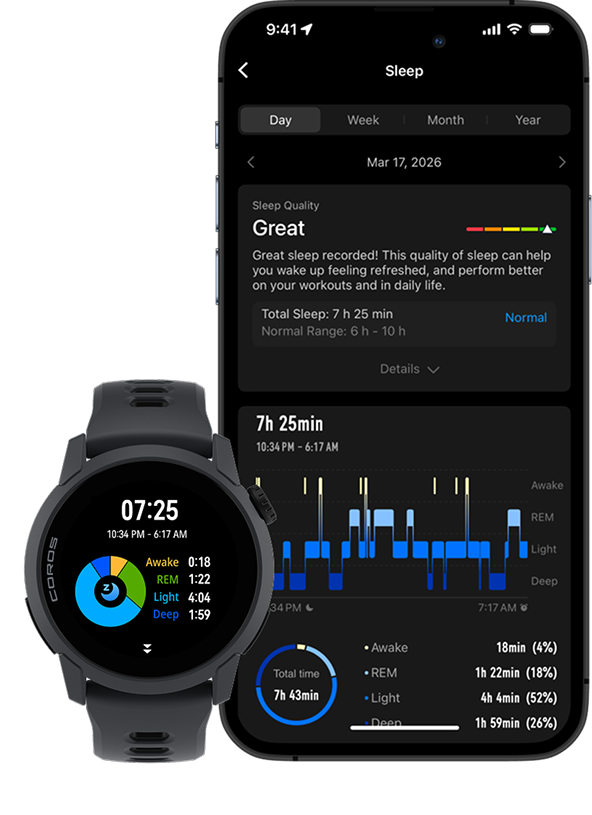
Eight hours in bed and eight hours of quality sleep are two different things. Sleep Quality breaks your night into stages — light, deep, and REM — and shows you how each one compares to recommended amounts for your age. A single overnight score gives you a fast read on how well you recovered. Select the Sleep card from your Progress page and you'll see the full breakdown: how long you spent in each stage, how that compares to what's typical, and where your sleep is consistently falling short. That pattern is the useful part. One bad night tells you little, but three months of data tells you how to optimize.
Wear your watch to sleep for two weeks and look for the pattern, not the number.
The best version of your COROS device is the one you use the most, with features that have been added year after year. If you're haven't updated your device, head to the COROS app now to do so and make sure you have access to all the latest features.