/filters:quality(90)/fit-in/970x750/coros-web-faq/upload/images/eb73e573cae8087a129044908aea27ad.jpeg)
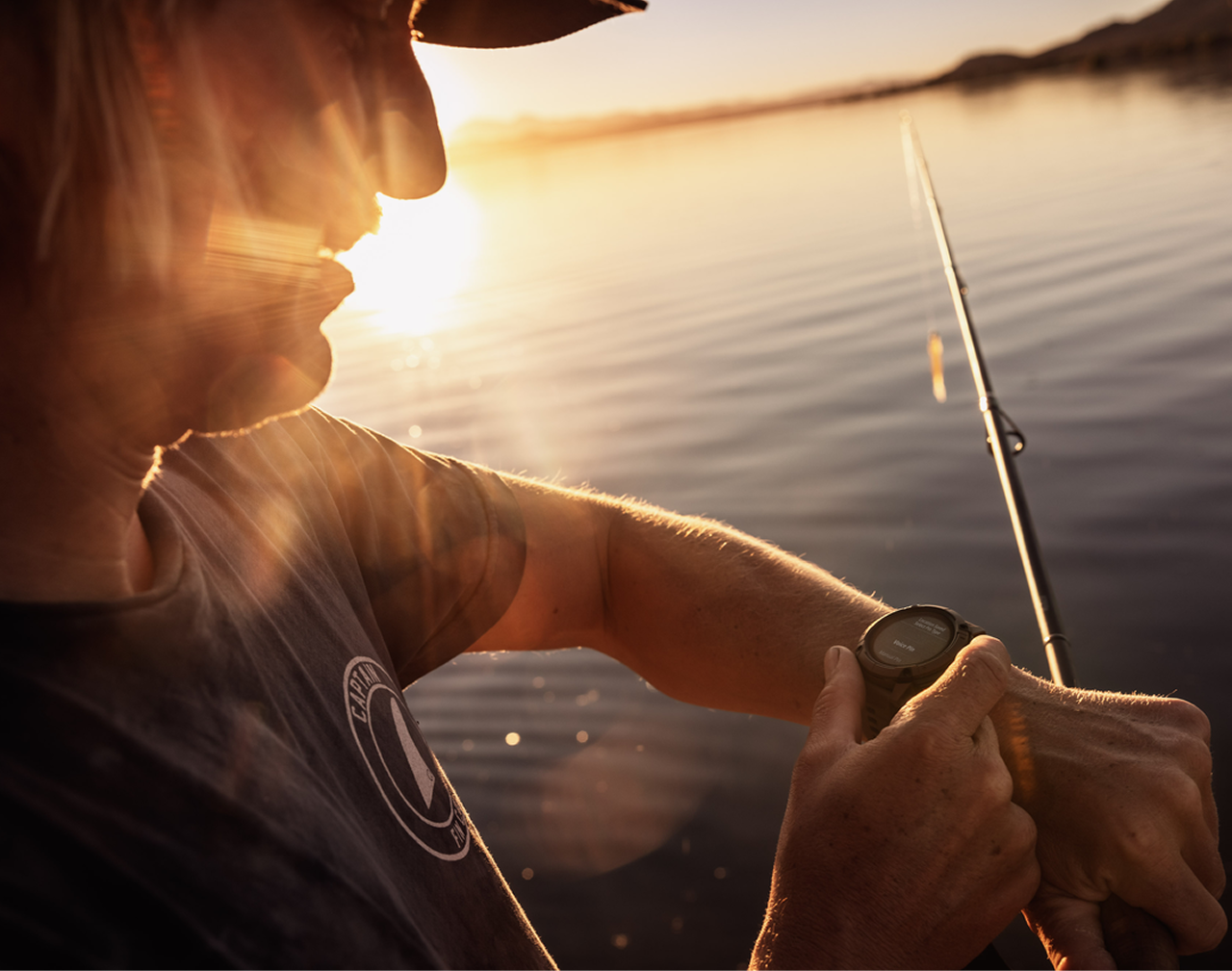
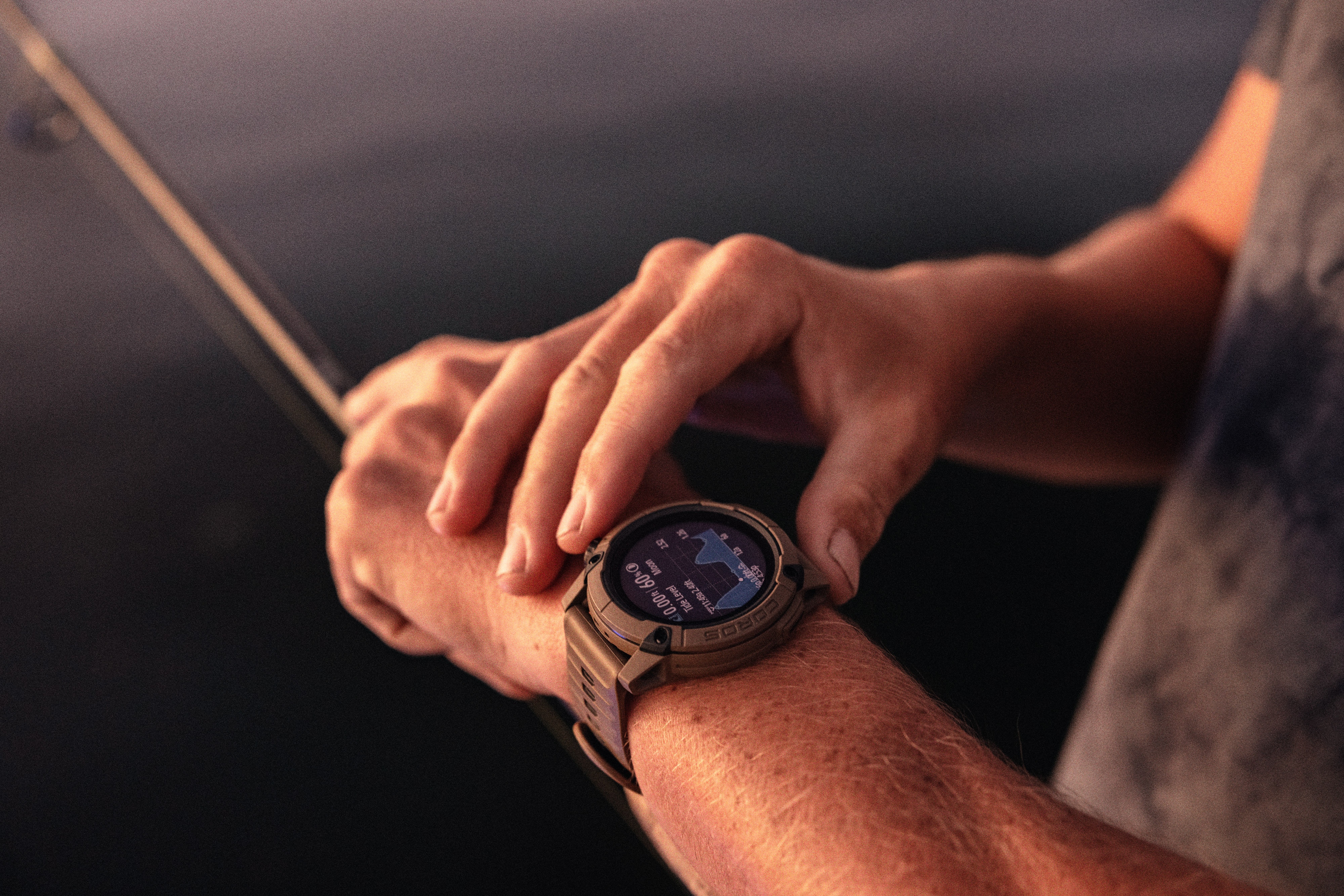
There are several fishing modes available on the COROS NOMAD. In this article, we’ll focus specifically on the Boat Fishing activity.
Customizing Your Activity Settings
- Open the COROS App and go to your Profile.
- Select your COROS NOMAD.
- Enter Activity Settings.
- Select Boat Fishing.
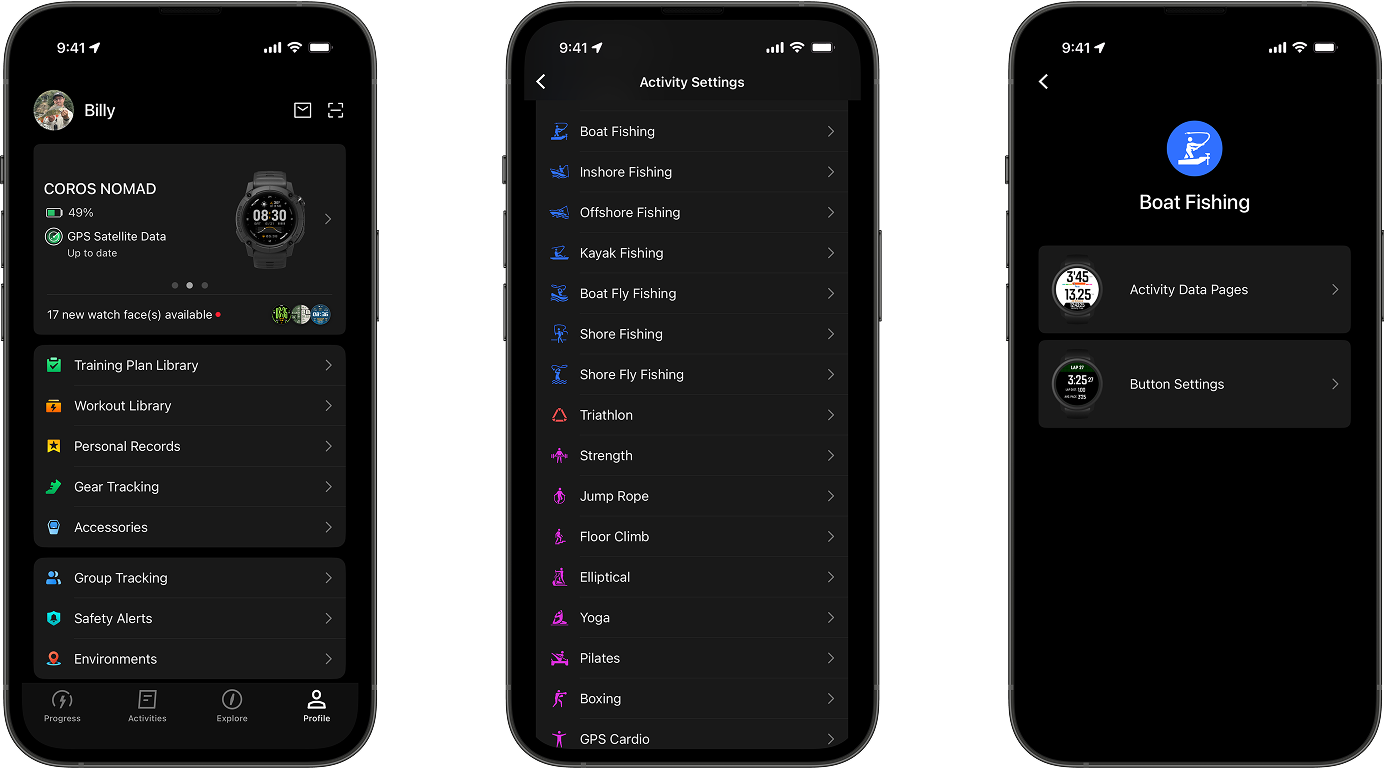
Activity Data Pages
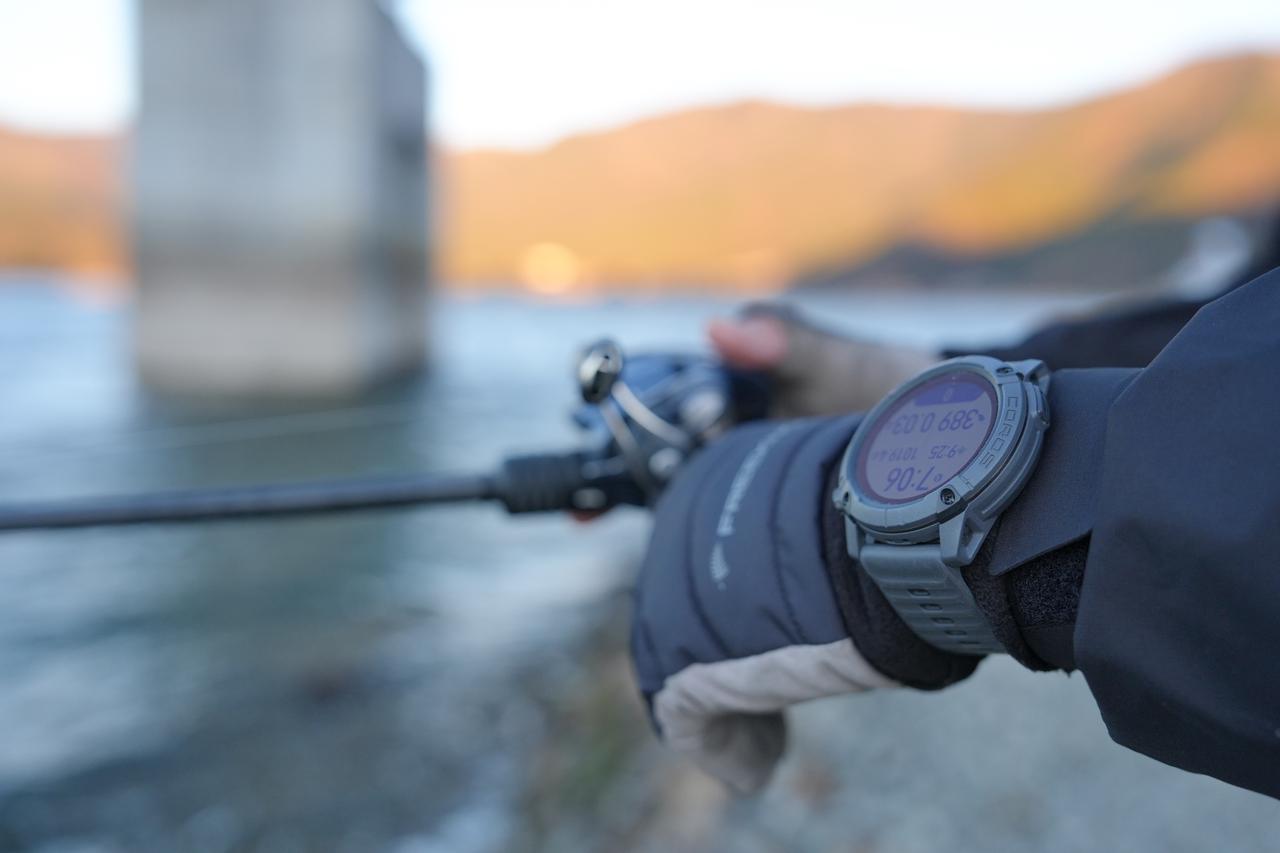
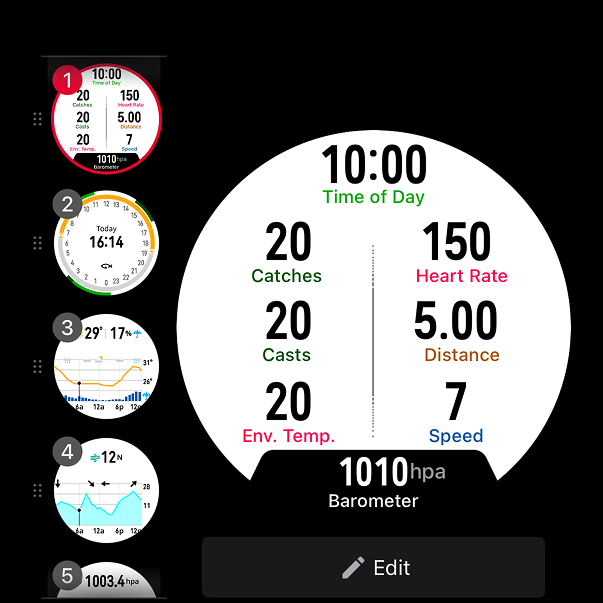
These are the screens you’ll see once you launch your Boat Fishing session. You can customize up to 6 different screens depending on the live data you want to monitor.
To modify a screen, tap Edit, select a data slot, and choose your preferred metric.
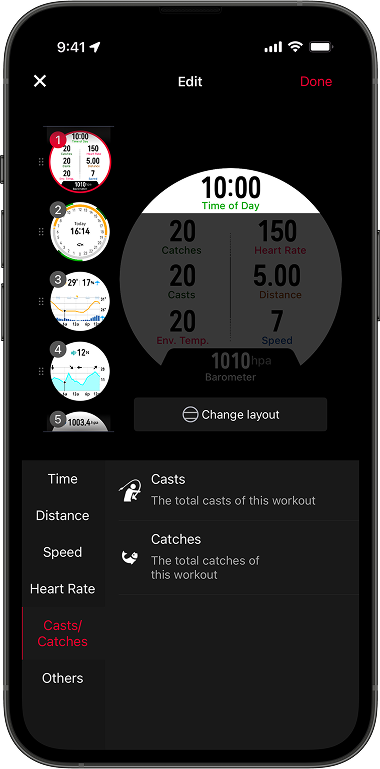
For your primary screen, here are the most relevant data fields for a pro fishing setup:
Time
- Activity Time: Total duration of your current session.
- Time of Day: Keep track of the current time.
- Sunrise/Sunset: Essential for timing management.
Distance
- Total Distance: Total distance covered during your fishing day.
Heart Rate
- Current HR: Watch for the spike when you hook into a trophy fish!
Casts & Catches
- Casts: Track your pace and efficiency (casts per fish).
- Note: ~80% accuracy when the watch isworn on the wrist that is NOT holding the rod. May not detect underhand or very light casts.
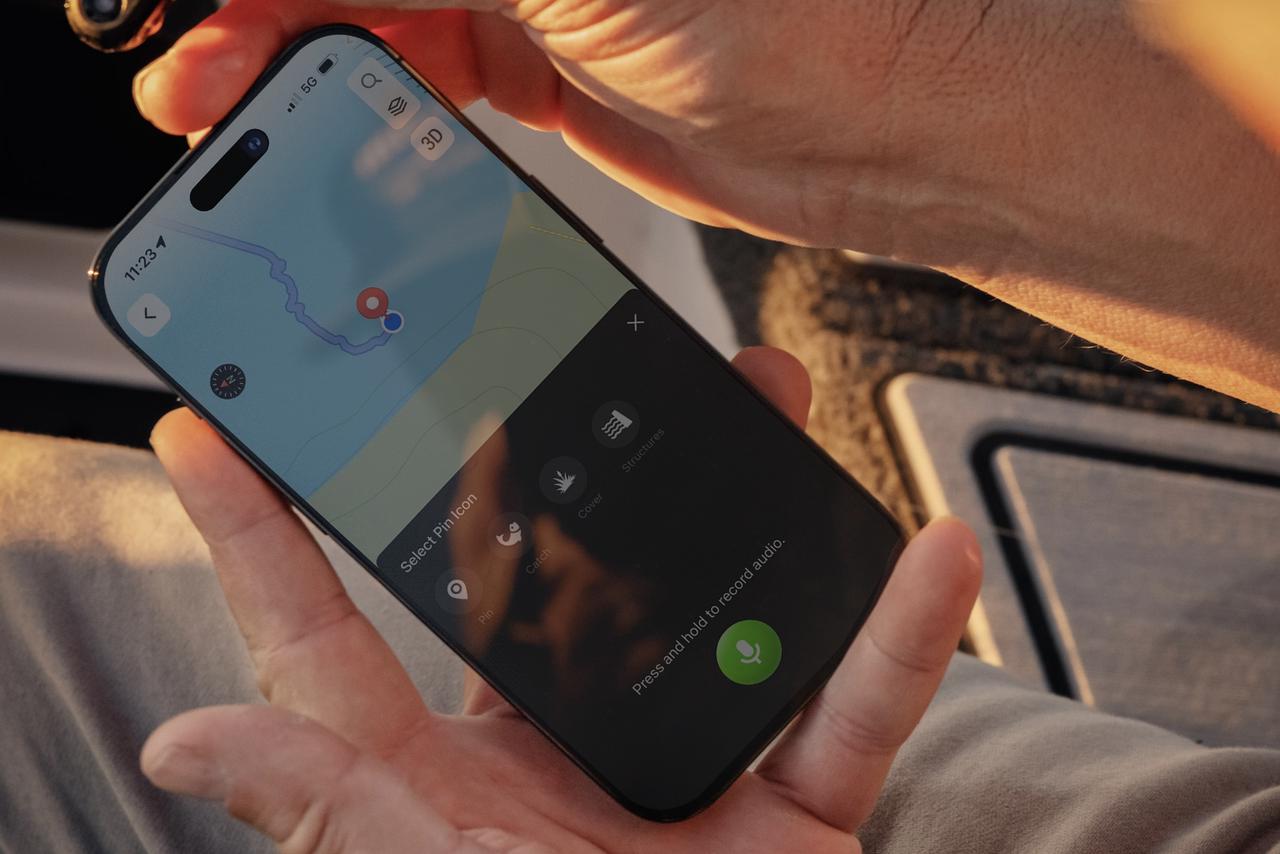
- Catches: Log every catch to keep a precise count of your day.
Environmental Data
- Barometer: Track pressure changes to predict fish activity.
- Env. Temp: Monitor the external air temperature.
Weather & Marine Windows
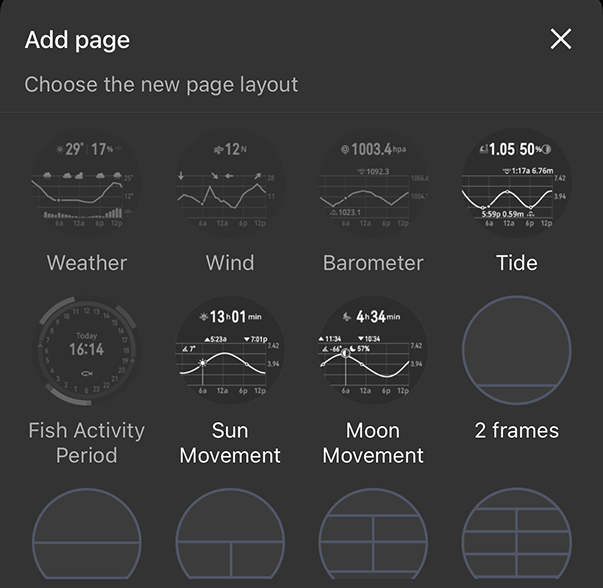
On any of these screens, you can consult live data and forecasts at any time during your activity:
- Weather
- Wind
- Barometer
- Tide
- Fish Activity Period
- Sun Movement
- Moon Movement
Our Recommendation for Lure Boat Fishing:
You’re all set! Now that you’ve customized your setup, it’s time to go fishing with your COROS NOMAD.